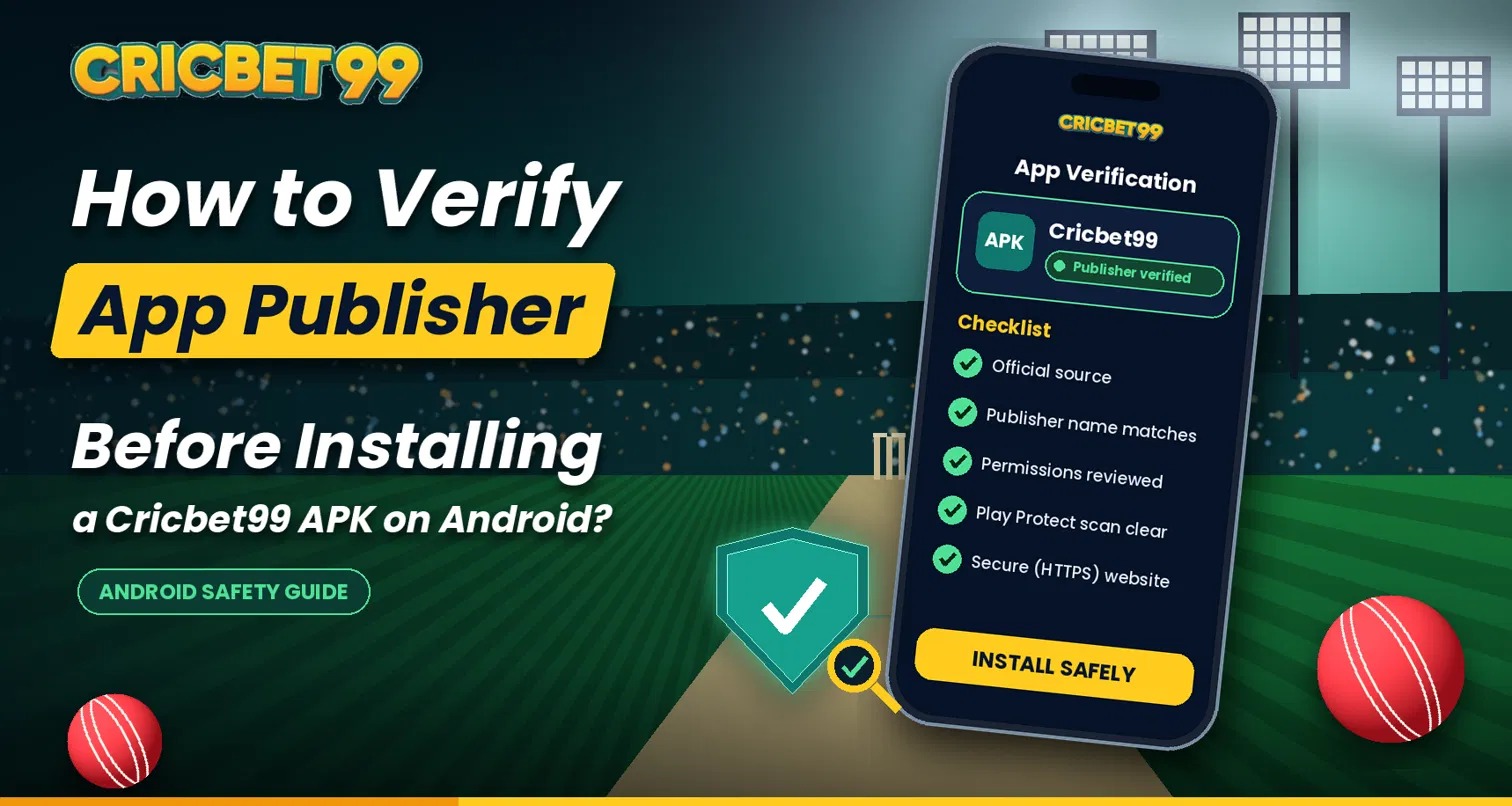
An APK may look legitimate while hiding harmful code. Before installing Cricbet99 software on Android, verify its publisher, download source, and security information. These checks protect personal data, passwords, and your phone.
Is an Official Android APK Currently Verified?
The website offers browser access and states that a separate Android application has not been independently verified. An APK promoted through search results or messaging groups is not necessarily official. You can access the public site using an updated mobile browser.
Step-by-Step: Verify an APK Publisher Before Installation
Step 1: Start With the Known Website
Type the website address instead of opening forwarded links. Ask for the developer’s verifiable name, application package name, and distribution listing. Without these details, postpone installation.
Step 2: Check the Publisher’s Identity
If Google Play availability is claimed, open the store independently. Compare developer name, contact details, and privacy policy against the website. Similar branding or names such as Crickbet do not prove ownership.
For privately distributed APKs, demand verifiable publisher details; installation-screen names can be faked.
Step 3: Inspect the App’s Package Name
Android apps have package identifiers such as com.example.application. Compare yours against a trusted listing or previous verified release. A familiar package name alone does not establish authenticity.
Step 4: Verify the Digital Signature
Advanced users can inspect an APK with Android SDK Build Tools:
apksigner verify –print-certs filename.apk
Compare the displayed signing certificate’s SHA-256 fingerprint with a trusted publisher reference or verified previous release. A valid signature shows file integrity under a signing key, not publisher trustworthiness.
Step 5: Compare the File Hash
Calculate the APK’s SHA-256 hash and compare it with a checksum from a trusted publisher source. Matching values matter only when the reference is authentic.
Step 6: Run Google Play Protect
Open Google Play Store → Profile → Play Protect → Scan. Keep scanning enabled, and never disable protection to force installation. A clean result cannot guarantee safety.
Step 7: Examine Requested Permissions
Review requests for SMS, accessibility services, contacts, notification access, and device administration. Ask whether each permission is necessary for the stated function. If an app requests control over messages or other sensitive features without a clear reason, do not continue.
Publisher Verification Checklist
| Check | Acceptable evidence | Warning sign |
| Source | Confirmed developer distribution page | Random file-sharing link |
| Publisher | Matching, verifiable developer identity | Anonymous or inconsistent name |
| Signature | Fingerprint matches trusted reference | Missing or mismatched fingerprint |
| Permissions | Limited, explained access | Unnecessary SMS or accessibility control |
| Protection | No Play Protect warnings | Requests to turn scanning off |
For Cricbet99 Login, use only a verified account-access page. An APK asking for your password or OTP before its publisher is established should not be trusted.
What If You Already Installed a Suspicious APK?
- Disconnect the app from sensitive accounts and uninstall it.
- Review and revoke unusual app permissions; switch off unnecessary “Install unknown apps” access.
- Run Play Protect and install available Android updates.
- Change passwords using a trusted device and review account activity.
- If payment information was exposed, contact your bank or payment provider promptly.
Protect your Cricbet99 Betting ID and never share its associated password or verification codes with an installer or support impersonator. Anyone researching Cricbet99 Online Betting should also check applicable local legal restrictions before using real-money services.
Conclusion
Publisher identity, matching signatures, trustworthy download sources, and reasonable permissions matter more than branding. Until an independently verifiable release is available, browser access is the safer choice. Treat an unfamiliar Crickbet download with the same scrutiny as any other APK.
Frequently Asked Questions
1. Is a valid APK signature enough to prove authenticity?
No. It proves the file was signed with a particular key. You must independently establish who controls that key.
2. Can I use Cricbet99 Login without installing an APK?
The website provides mobile-browser information. Follow only a verified account-access route and protect your credentials.
3. Can an app steal my Cricbet99 Betting ID?
A malicious app may capture entered credentials or misuse granted permissions. Avoid unknown installers and never share authentication codes.
4. Does Google Play Protect guarantee an APK is safe?
No. It helps detect harmful apps but cannot guarantee that every threat will be identified.
5. Is Cricbet99 Online Betting app availability confirmed?
A separately downloadable official Android application has not been independently verified on the website’s app information page.